Call or Text: 858-271-4271



Thank you for becoming a valued R1 Coatings® Approved Applicator!
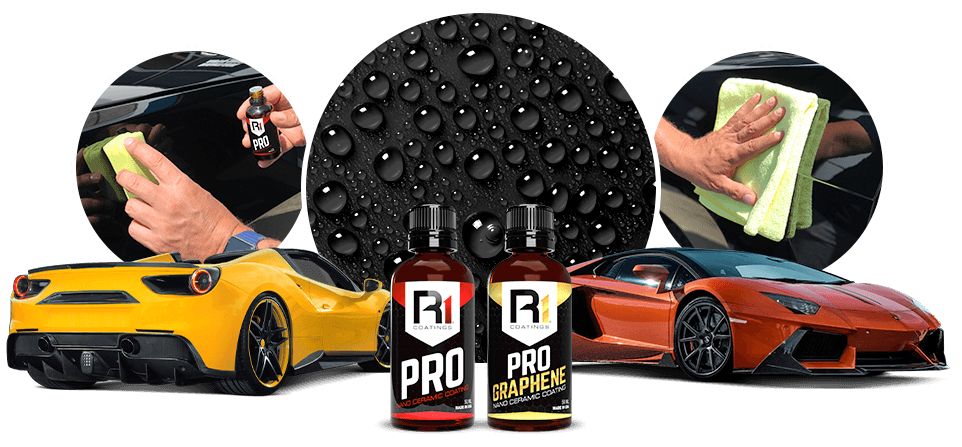
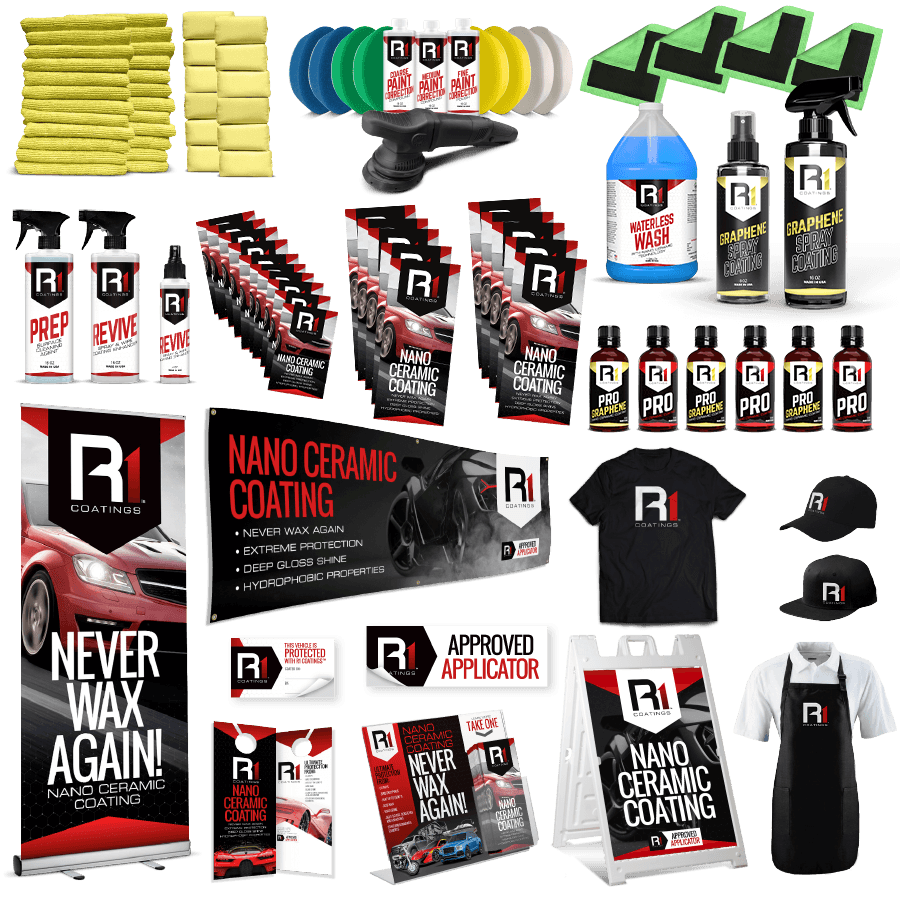
We want to make sure you have what you need when you need it. That’s why we’ve created our R1 Coatings® Pro portal within shop.rightlook.com where you can access exclusive R1 Coatings® Pro products, marketing materials, apparel and even download a full suite of R1 Coatings® Pro digital assets.
To get started, follow our “how-to” login directions below. Enjoy!
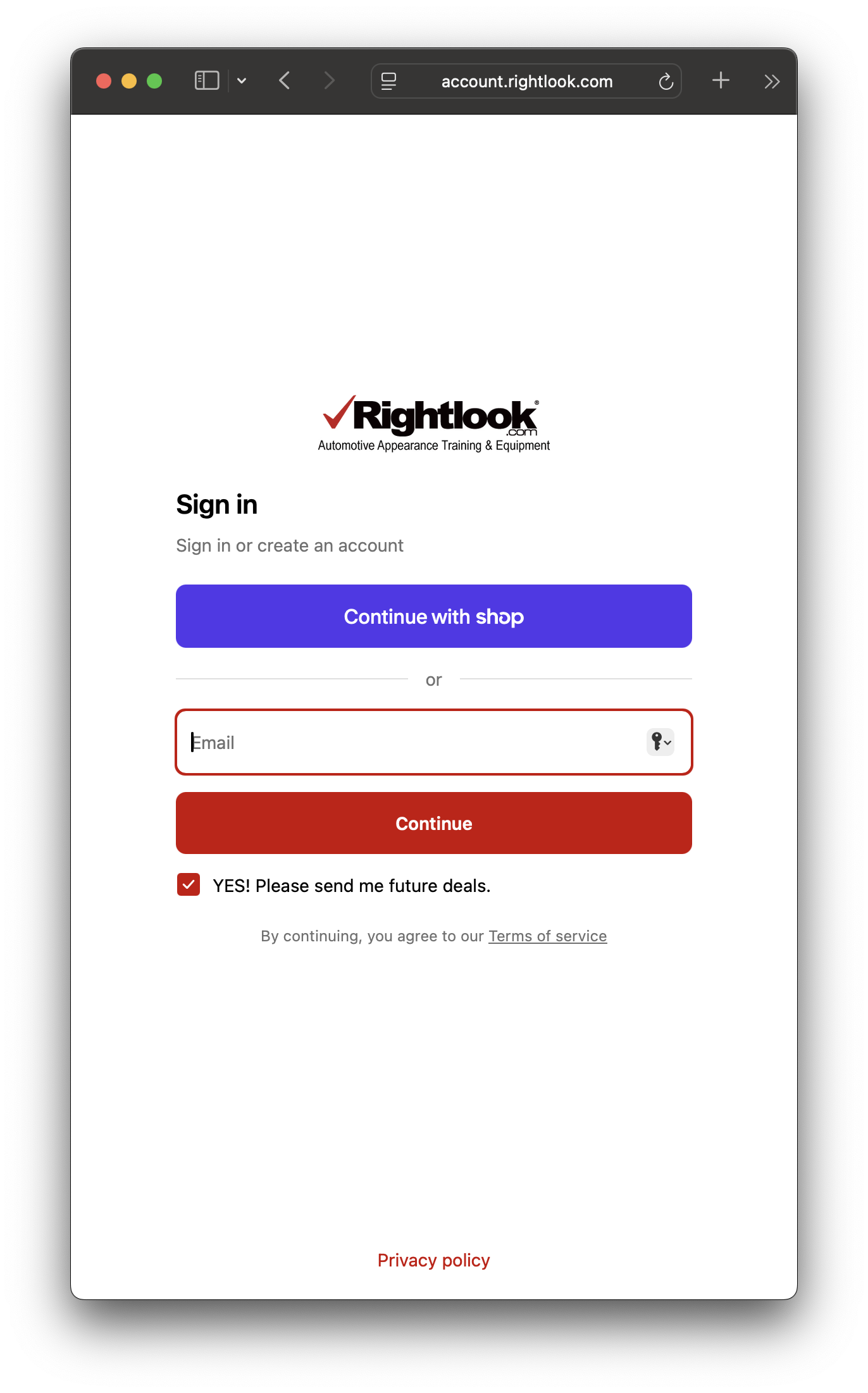
Step 1: Login to Account
Visit account.rightlook.com to login to your account.
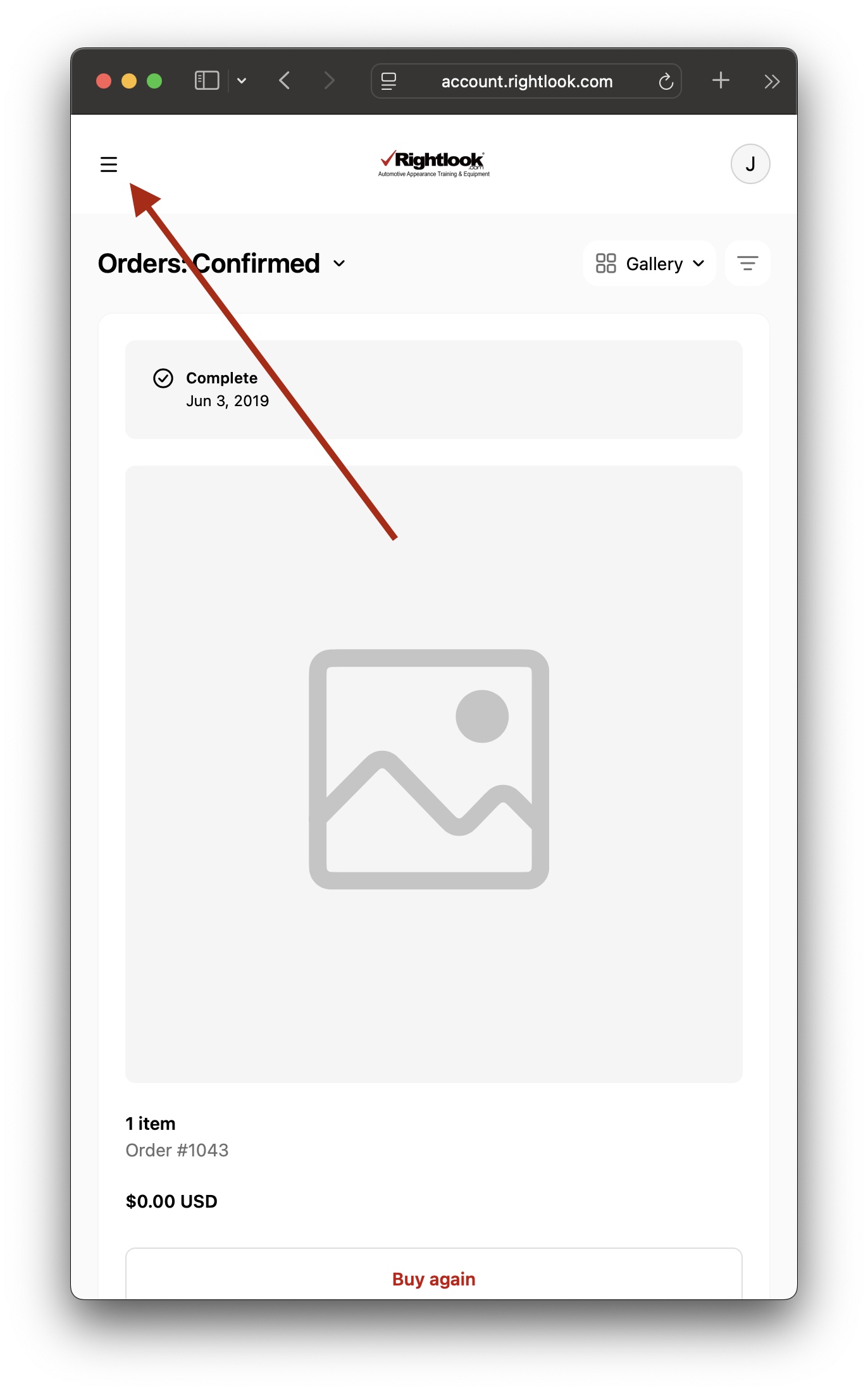
Step 2: Locate Mobile Menu
Click the upper left menu.
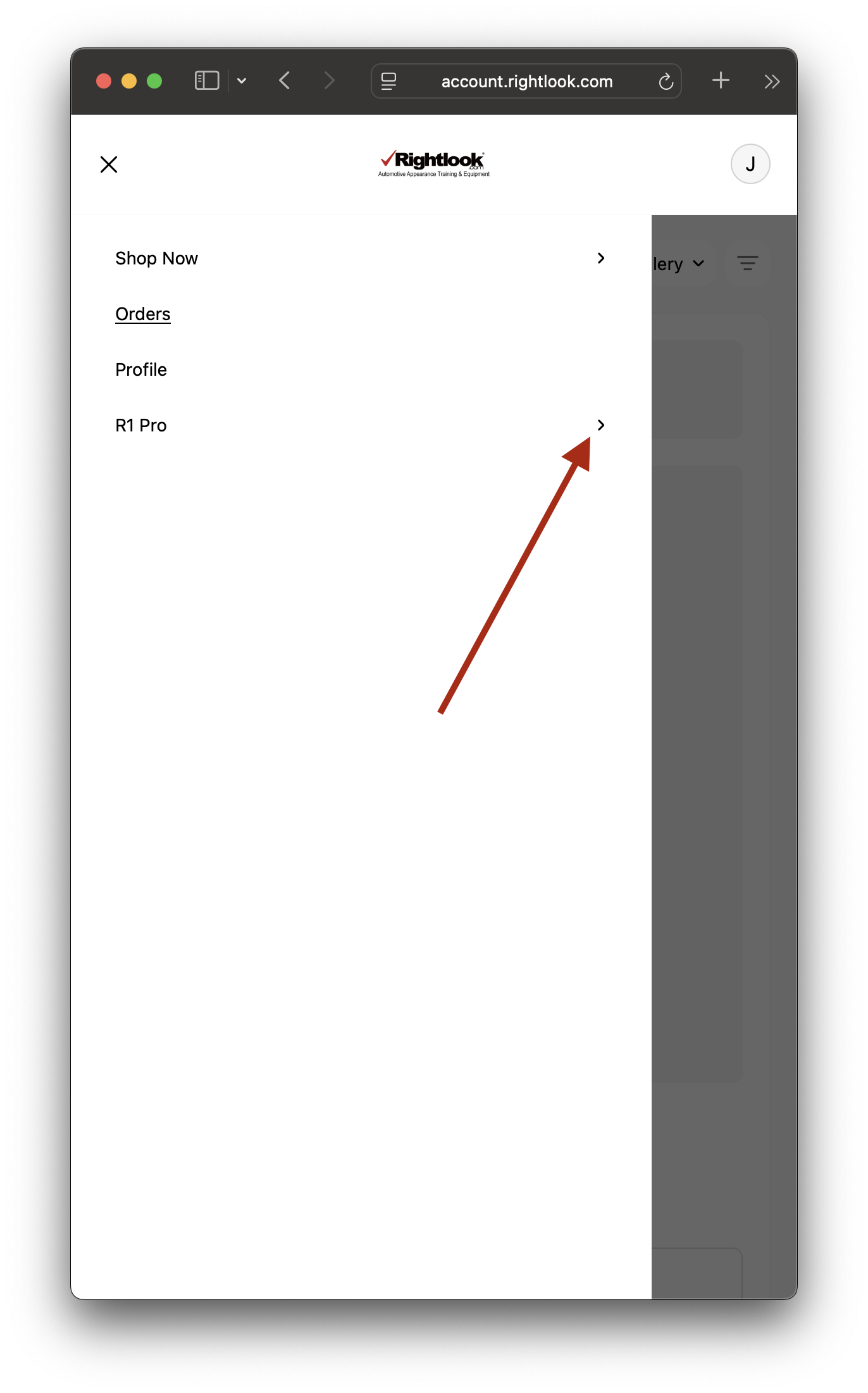
Step 3: Click Arrow
Once the mobile menu opens on the left side of the screen you’ll find the R1 Pro option. Click the arrow to expand the menu, select a link and you are in!
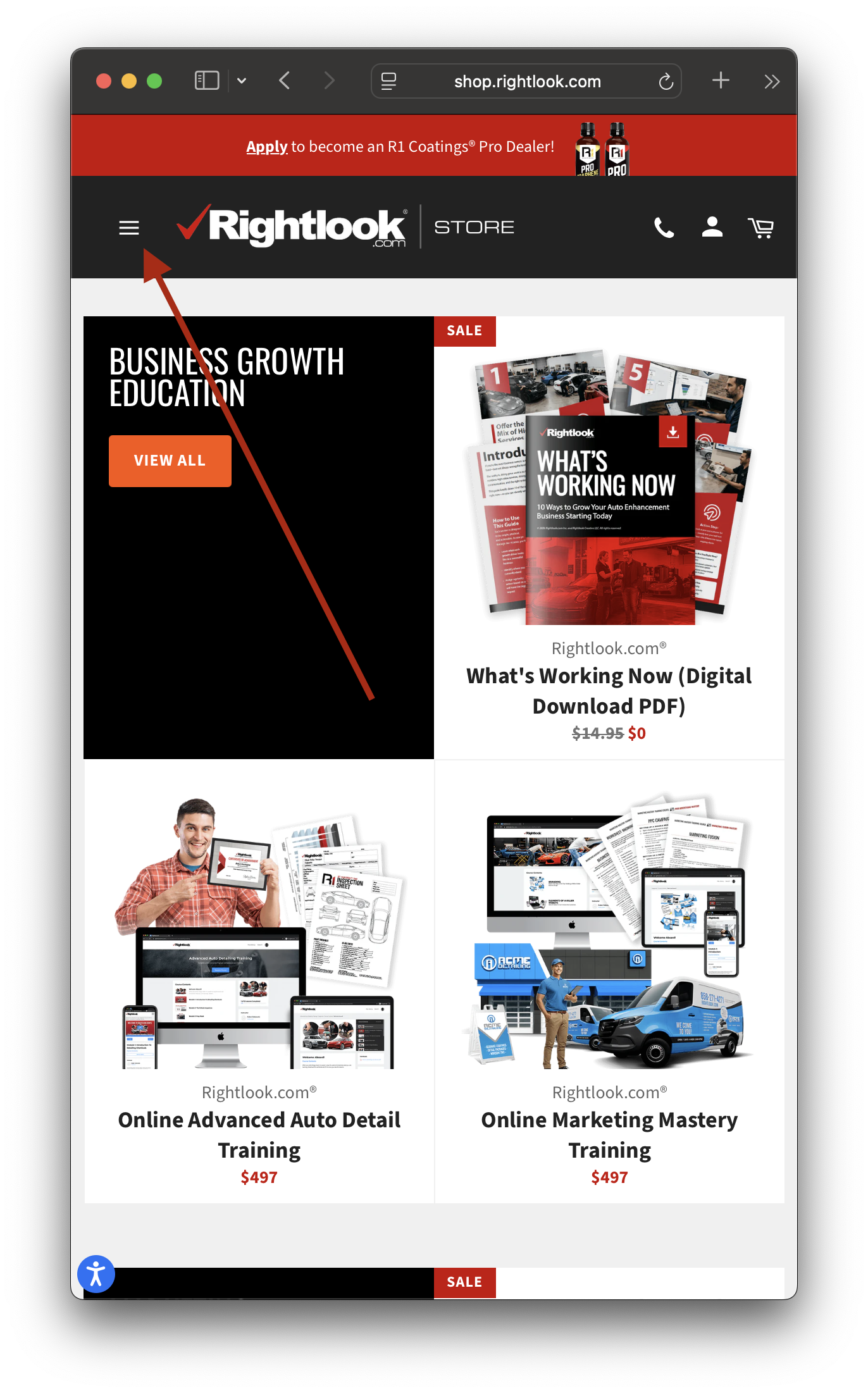
Step 1: Open the navigation menu
You must be already logged into your account for this step and on the shopping cart at shop.rightlook.com. From there, click the upper left menu.
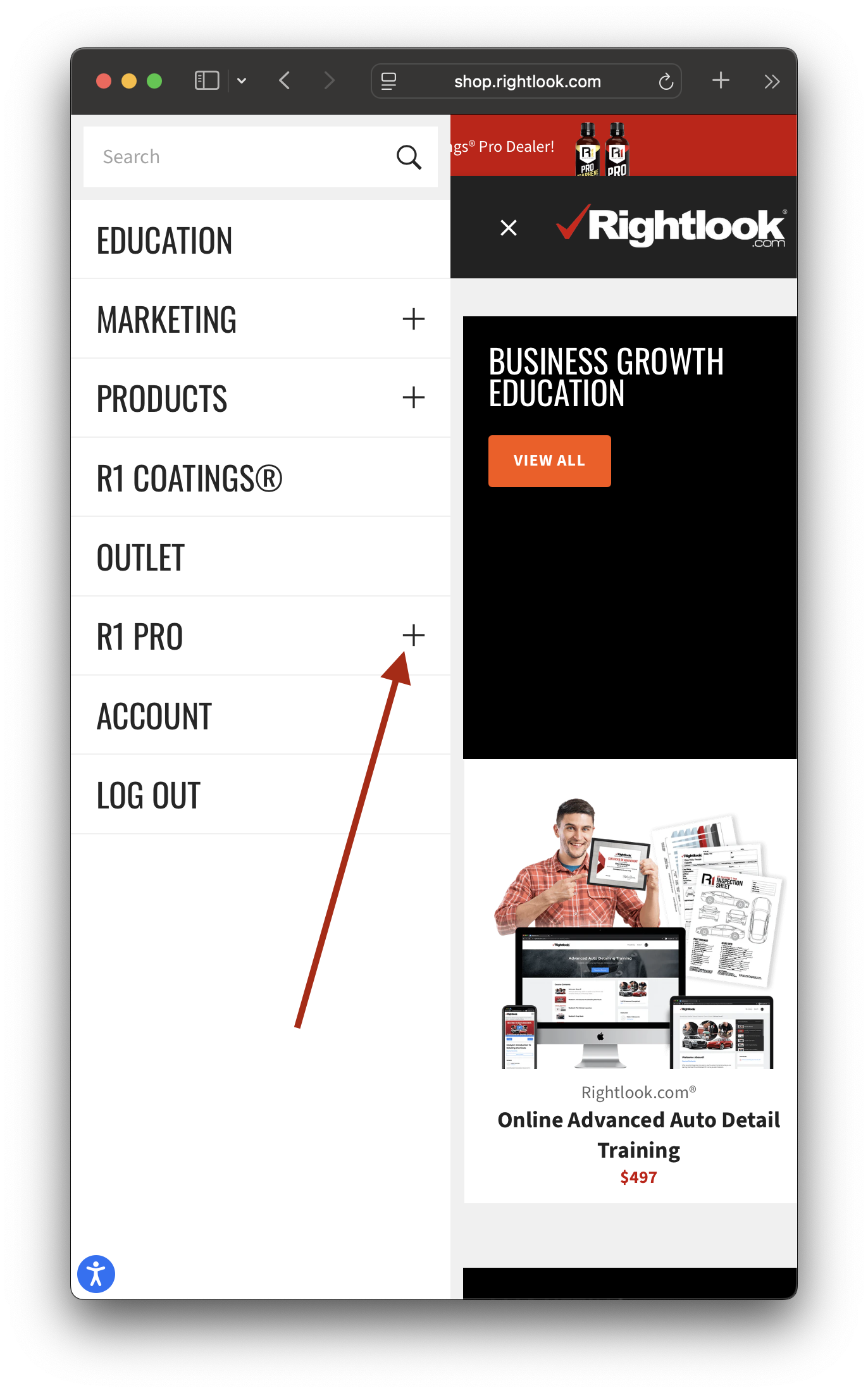
Step 2: Click the plus sign
Once the mobile menu opens on the left side of the screen you’ll find the R1 Pro option. Click the plus icon to expand the menu, select a link and you are in!
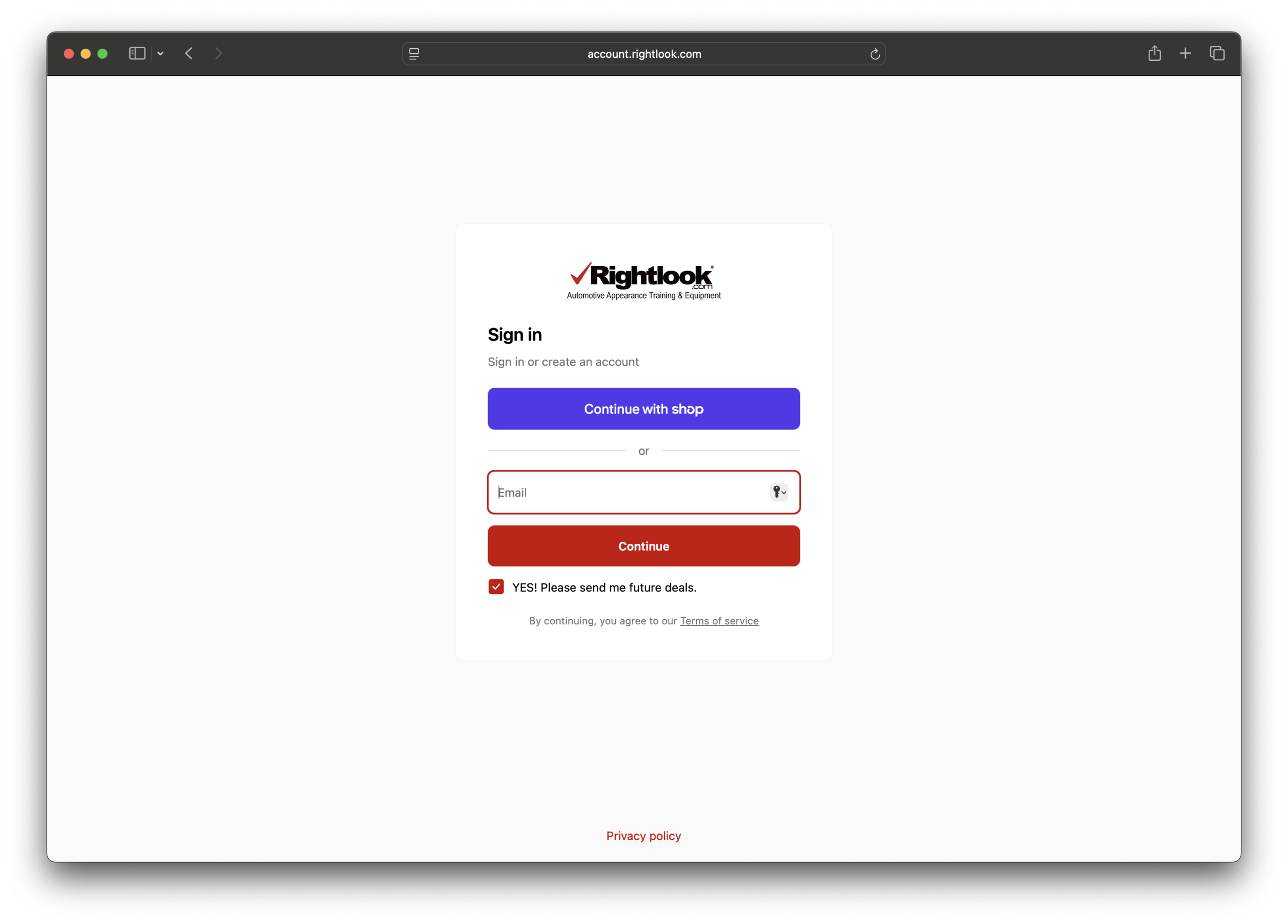
Step 1: Login to Account
Visit account.rightlook.com to login to your account.
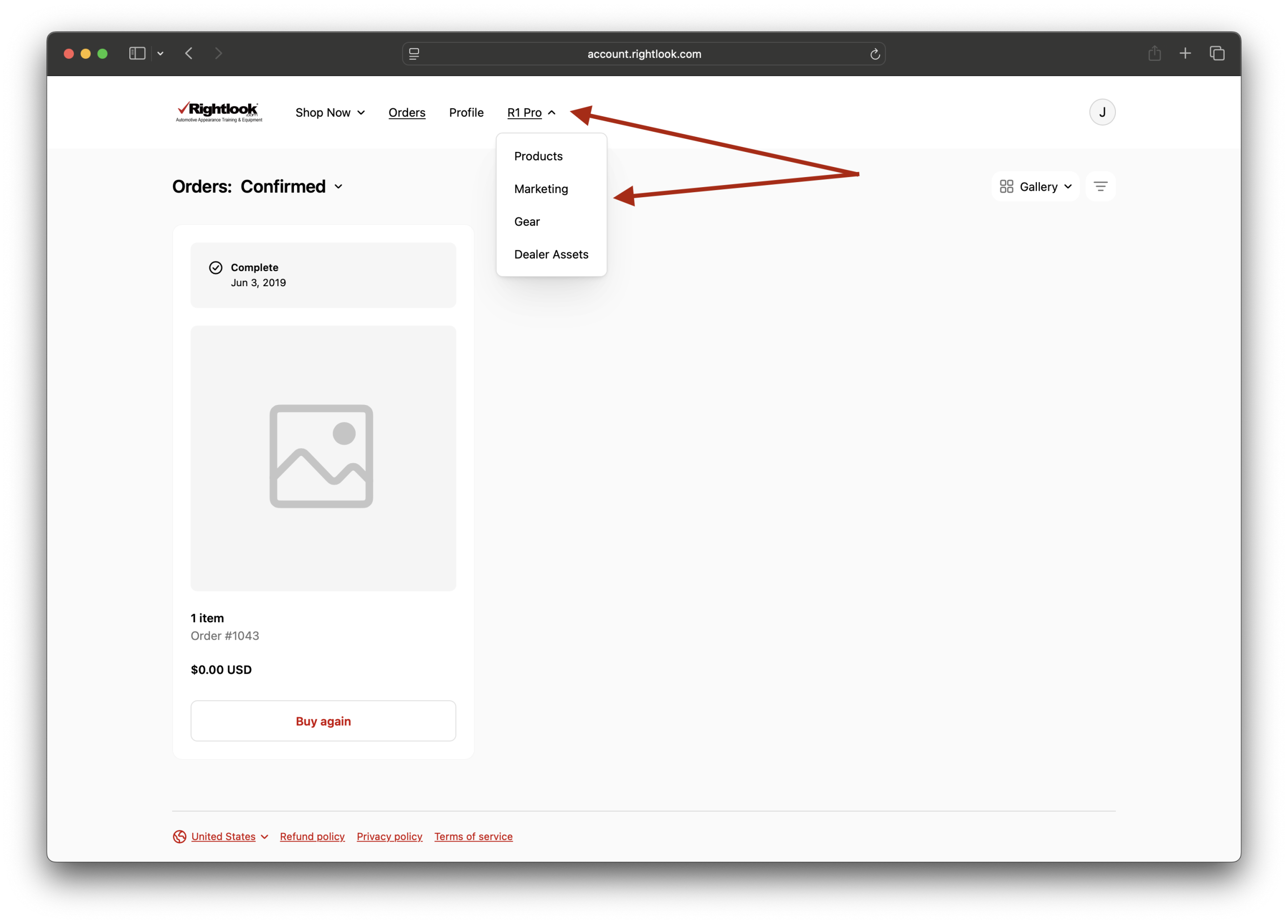
Step 2: Select R1 Pro
After logging into your account, the main navigation will now show a link to R1 Pro. Click the arrow to expand the menu, select a link and you are in!
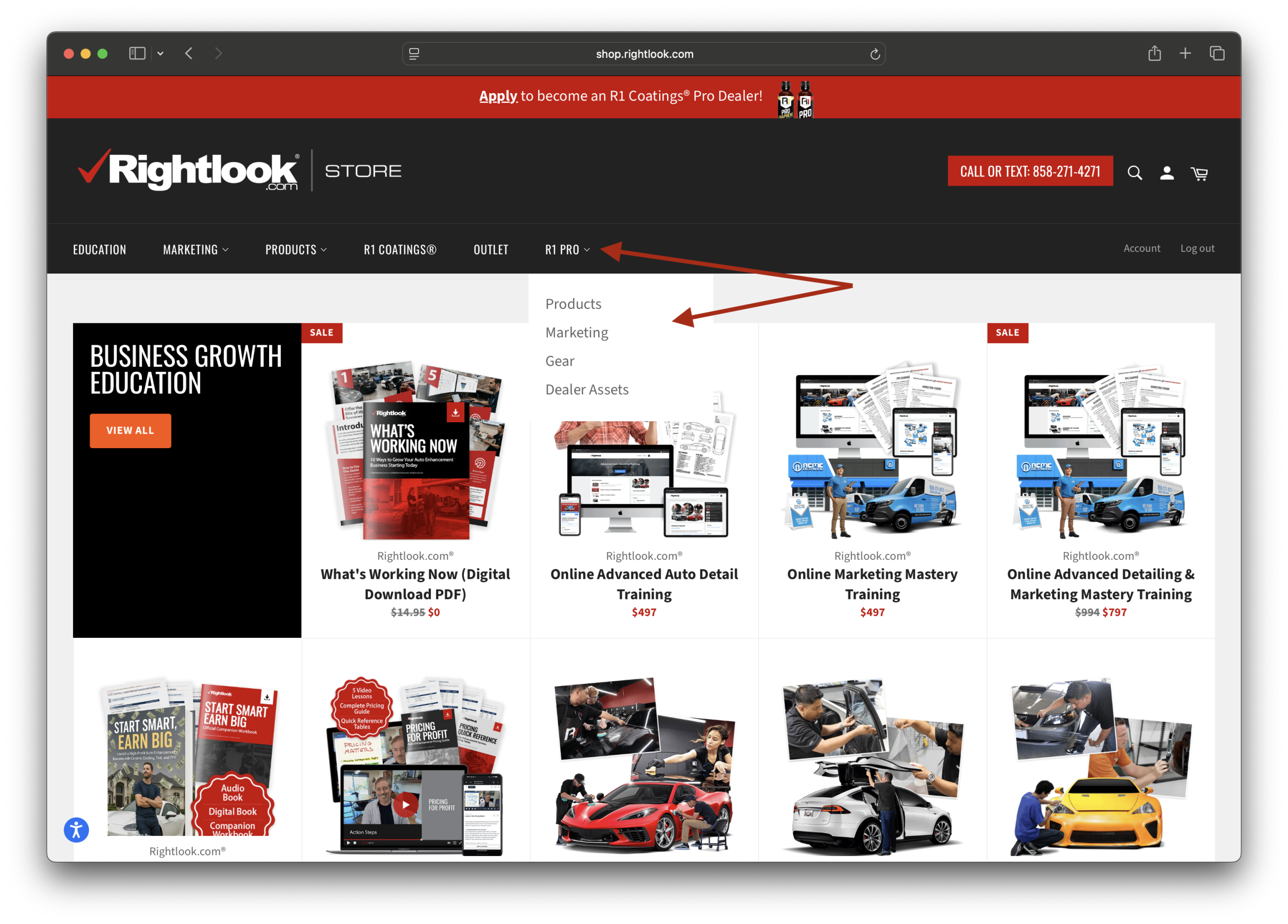
Step 1: Open the navigation menu
You must be already logged into your account for this step and on the shopping cart at shop.rightlook.com. From there, you should see the R1 Pro link in the main nav. Click the link and you are in!